Treasury bond records
Keep purchase terms, principal, coupon details, maturity dates, and broker references together. For example, return to the confirmed terms behind a bond’s expected income.
Inside Struct Capital
Tools for understanding Treasury bonds, shares, income, and investment documents across brokers.
Keep purchase terms, principal, coupon details, maturity dates, and broker references together. For example, return to the confirmed terms behind a bond’s expected income.
Organize share quantities, purchase costs, recorded fees, and investment history. Keep purchases from different intermediaries in context without placing trades in the app.
Start with a supported financial document and review the extracted details before saving. A document layout must be supported; scanned or unfamiliar PDFs may not import successfully.
Follow expected coupon dates and maturities. Confirmed dates, estimates, and recorded receipts should be read as different kinds of information—not guaranteed payments.
Review portfolio composition, recorded costs, and valuation information when prices are available. Missing or dated prices limit what an estimate can tell you.
Bring investment records into reports with supporting assumptions and date context. A report is not a broker statement, tax filing, or independently audited valuation.
Captured app views, cropped to exclude account identity and financial balances. Dates shown are not a live schedule.
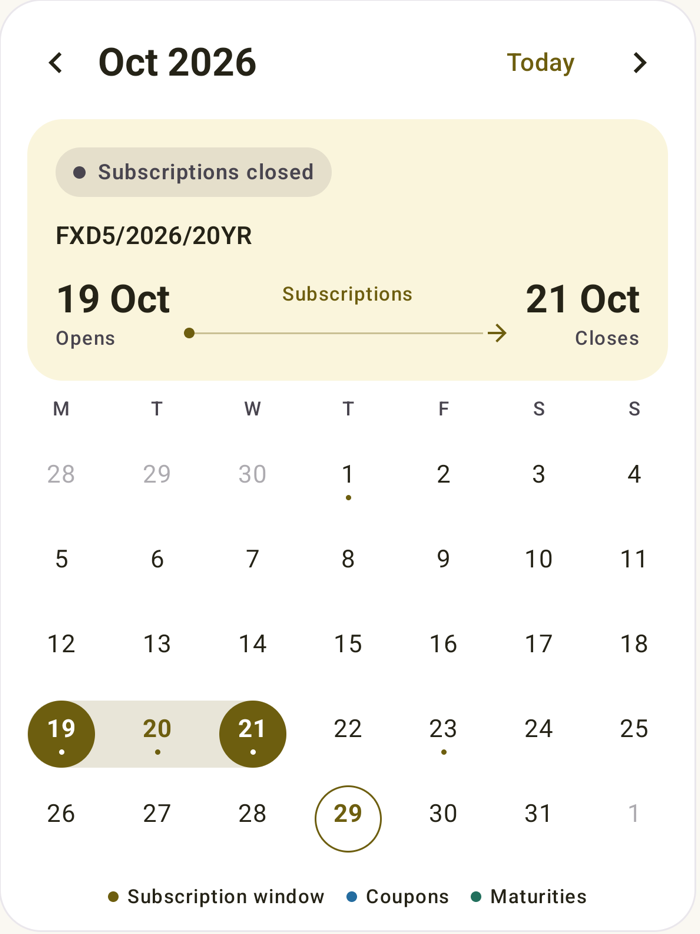
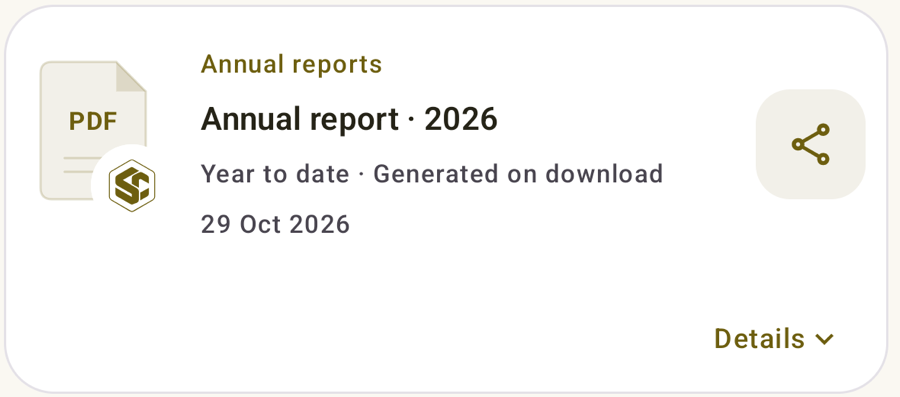
After recording a supported bond purchase, you can review its terms, follow its coupon schedule, and return to the source document. For shares, review purchase quantities and fees alongside available valuation information.
This is a workflow example, not sample financial data or a promise of returns.
See how supported entry and imports become an organized portfolio view.